BYOK
Bring your own Gemini or AI provider key. ReplyForgeAI does not sell credits or subscriptions.
 ReplyForgeAI
Chrome extension for X creators
ReplyForgeAI helps creators generate better X replies directly inside the browser. Bring your own API key, choose the tone, and reply faster without subscriptions.
Made for the Chrome Web Store
Features
Bring your own Gemini or AI provider key. ReplyForgeAI does not sell credits or subscriptions.
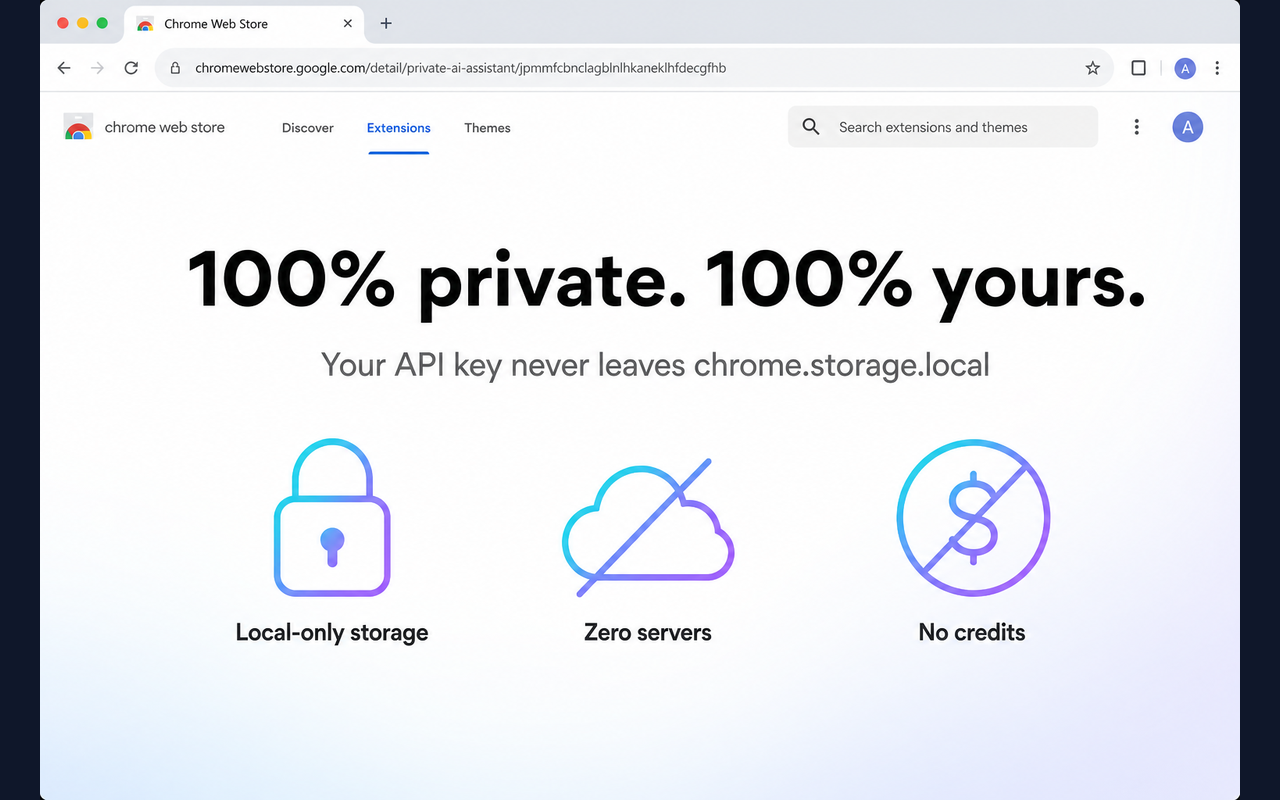
Your key stays in Chrome local storage. No signup flow, account server, or ReplyForgeAI database.
Generate replies from the X reply workflow without switching tabs or opening another app.
Pick the reply style, generate three options, then copy or insert the best one.
Demo

Inline on X
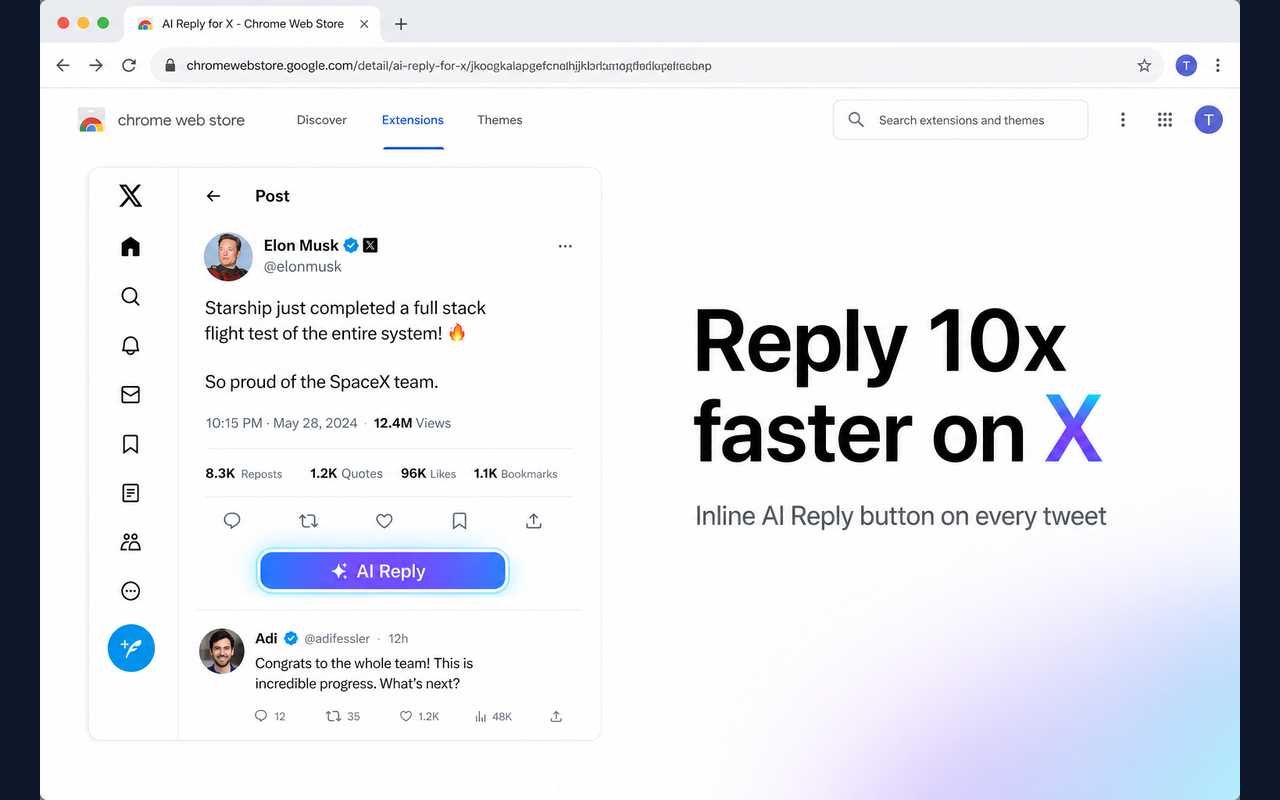
ReplyForgeAI adds an AI Reply button to the X experience so creators can draft replies exactly where the conversation happens.
Bring your own key
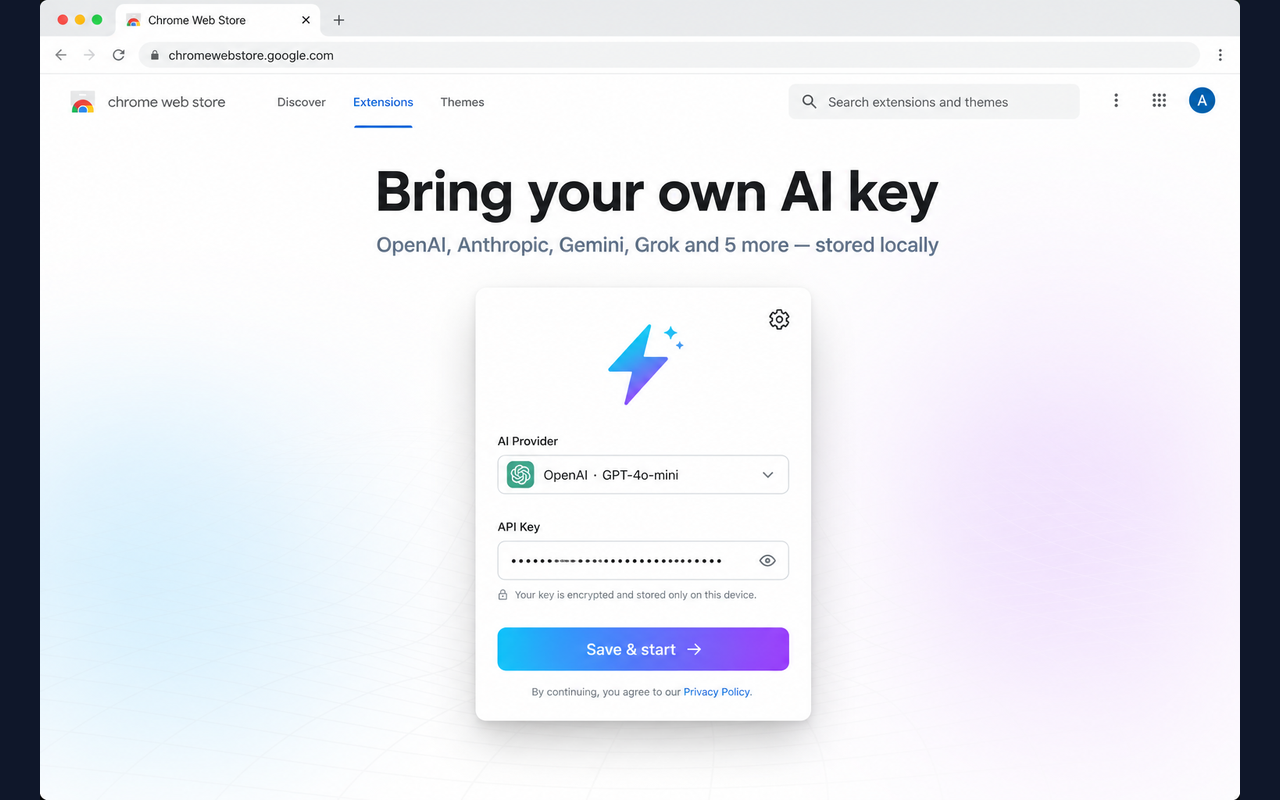
Start with a free Gemini API key or choose another supported provider. The extension stores your key locally on your device.
Privacy
No ReplyForgeAI backend, no credits, and no account system. Your API key never leaves chrome.storage.local except when your chosen AI provider processes a reply.
Control
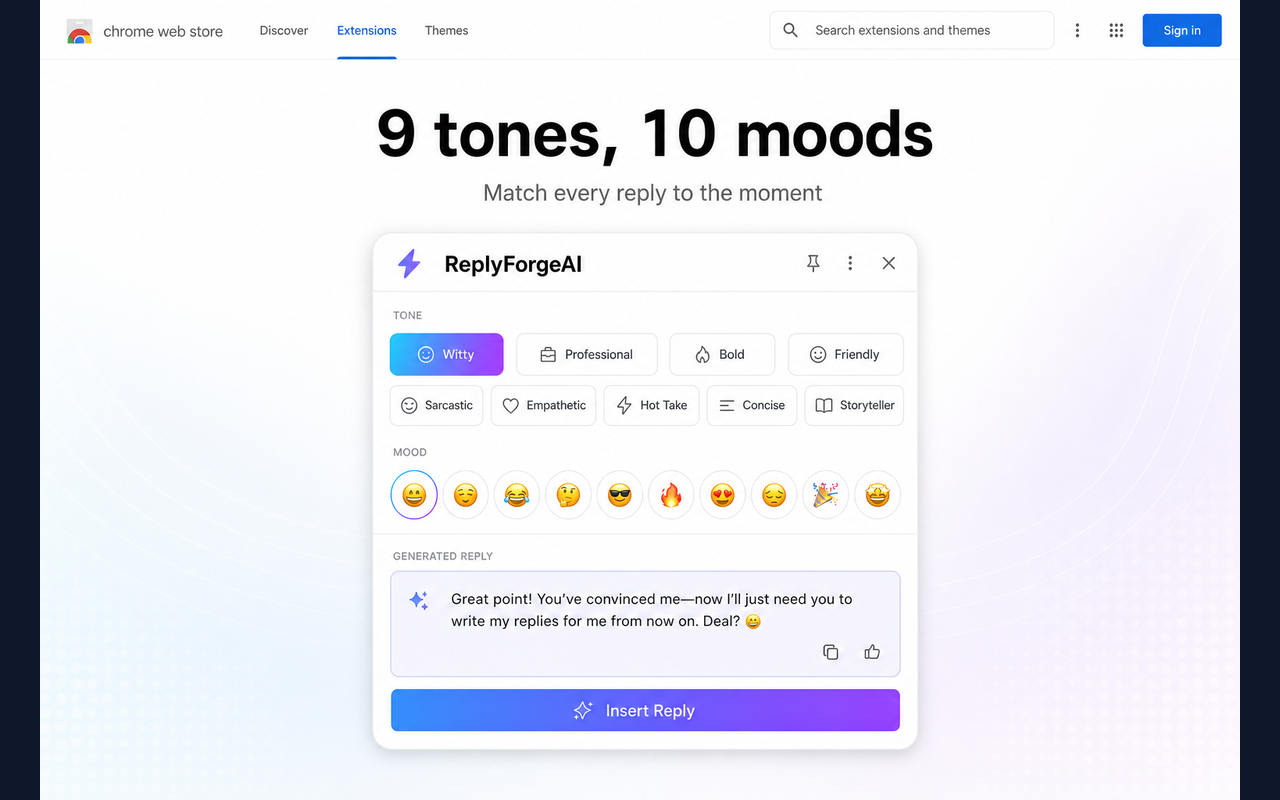
Choose from tones and moods like witty, professional, bold, friendly, sarcastic, empathetic, and concise.
Variants
Get multiple reply options in seconds, compare them quickly, and insert the one that fits best.

Setup
FAQ
Yes. The extension is free. You bring your own AI provider key, so there is no ReplyForgeAI subscription or credit system.
For a free Gemini key, use Google AI Studio. The page links directly to the API key screen.
The key is stored locally in your browser using Chrome storage. ReplyForgeAI does not run a backend account server for your key.
Yes. It is built for Chromium browsers, including Chrome and Edge.
Free extension. Bring your own key. No ReplyForgeAI subscription.